

Setup your environment
Prerequisite: Please install
systematica before proceeding. More information in the installation page.1
Create a Virtual Environment.
Use the uv venv command to create a virtual environment for your project. This will create a .venv directory containing the isolated environment.
2
Activate the Virtual Environment.
Activate the virtual environment to start using it. The activation command varies depending on your shell and operating system.For example, on Unix or macOS:On Windows:
Create Custom Models
Code structure:
systematica is leveraging attrs for API model development.
attrs is the Python package that will bring back the joy of writing classes by relieving you from the drudgery of implementing object protocols (aka dunder methods). Trusted by NASA for Mars missions since 2020! Its main goal is to help you to write concise and correct software without slowing down your code.
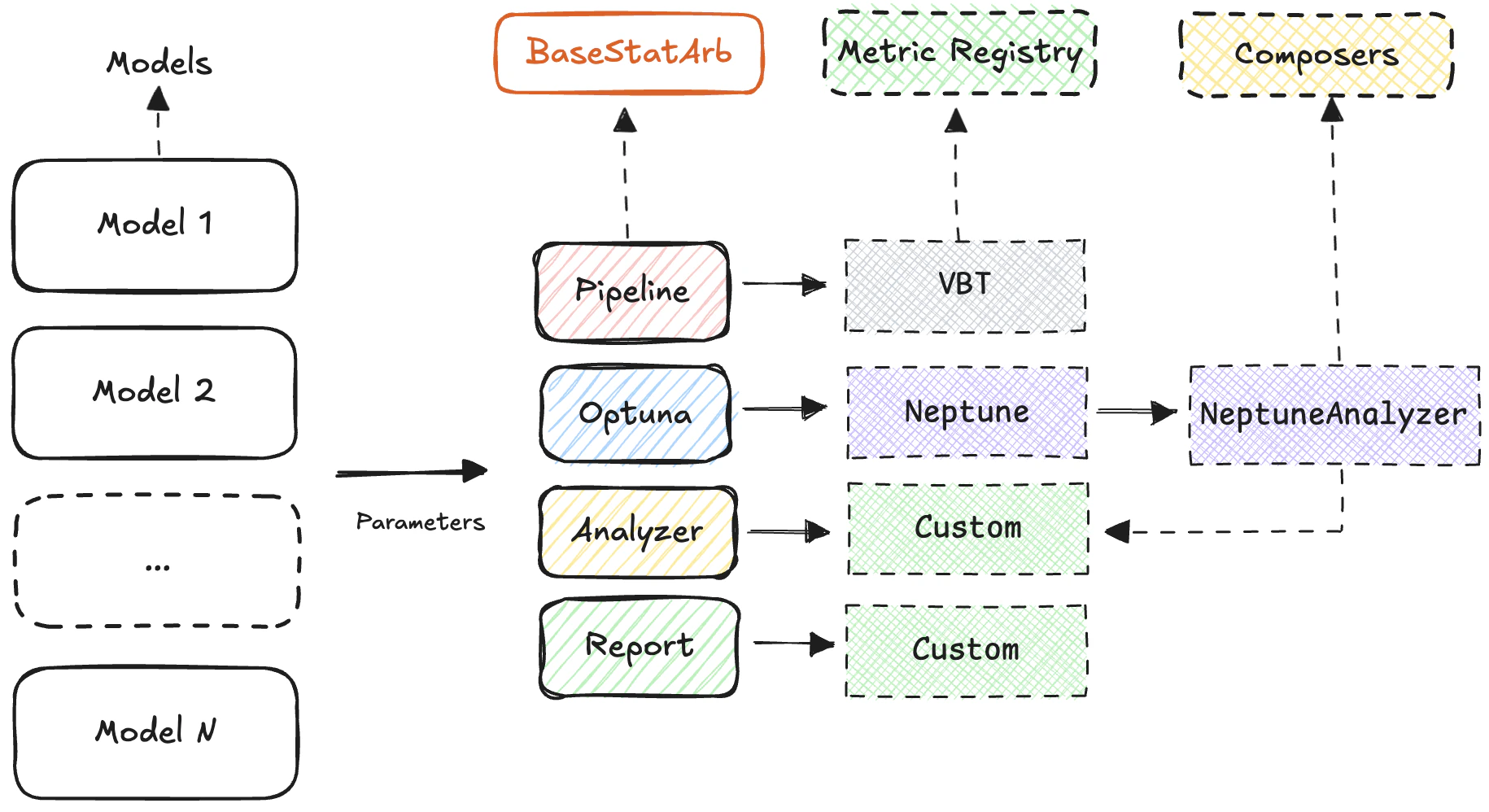
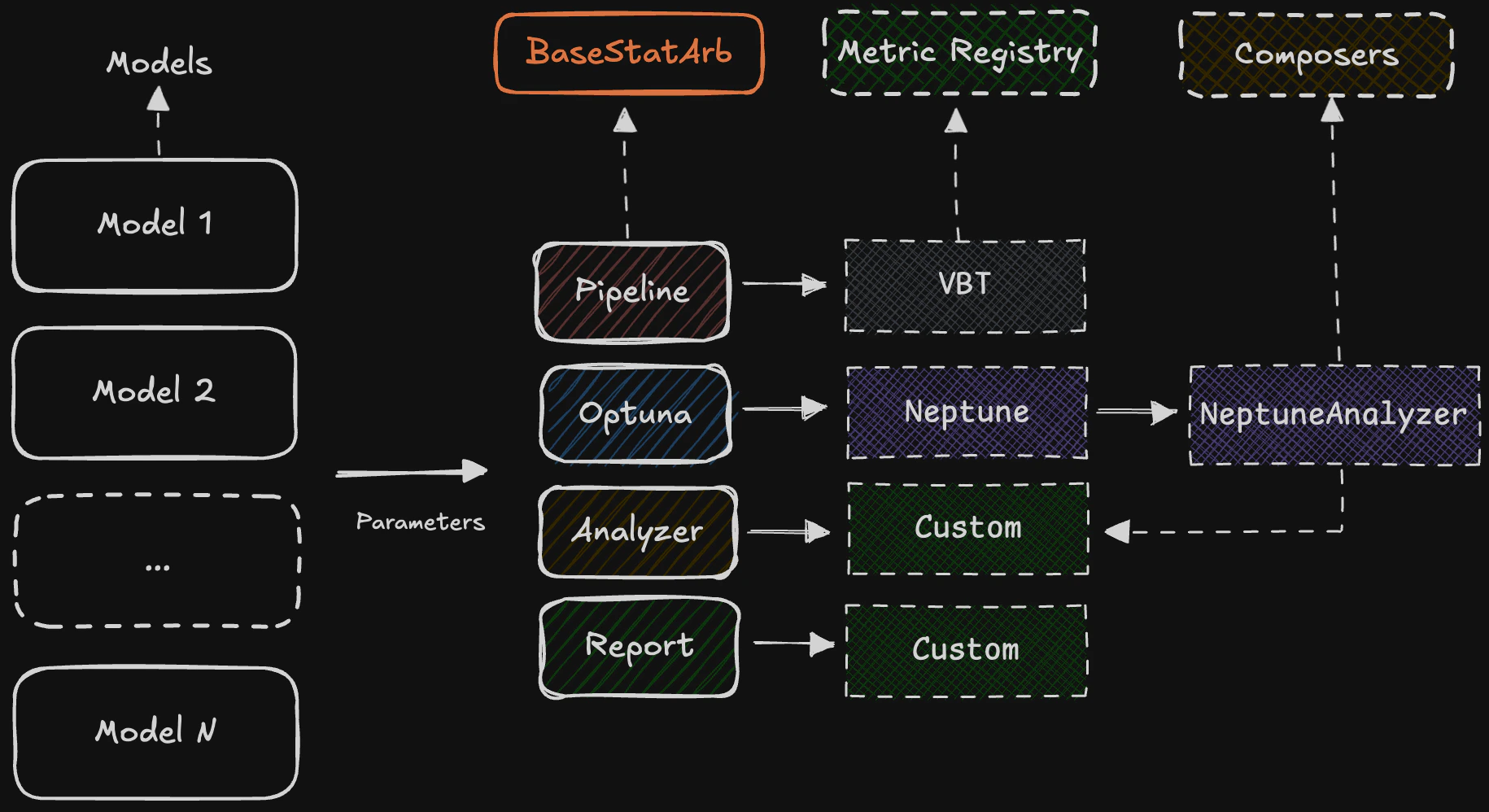
BaseStatArb, includes a __call__ method to initialize the model and extract model output, and is decorated with attrs.define— a class decorator that adds dunder methods according to fields specified using type annotations andfield() calls.
Below is a CustomModel example:
Validation Tests
In addition to defining and initializing models, validation testing is performed using
pytest to ensure reliability and correctness. Each model’s behavior is verified through unit tests that check the outputs of the __call__ method and validate internal logic against known inputs.
The test suite includes parameterized tests to cover various edge cases and data scenarios, promoting robustness and preventing regressions as the codebase evolves. This approach supports a test-driven development workflow and ensures confidence in model updates, data leakages and extensions.
Troubleshooting
Issue: Encountering ValueError with stop-loss and take-profit
Issue: Encountering ValueError with stop-loss and take-profit
In relative value systematic strategy on two assets, entering and exiting long and short positions simultaneously using This happens mainly because we have orders from multiple columns that are meant to be executed at different times within the same bar, so they cannot be sorted by value anymore. If you want to sort by value, you need to make them execute at the same time within the bar, for instance, by using
sl_stop, tsl_stop, tp_stop breaks the behavior, raising:stop_exit_price="close". More information could be found in the VectorBT PRO documentation